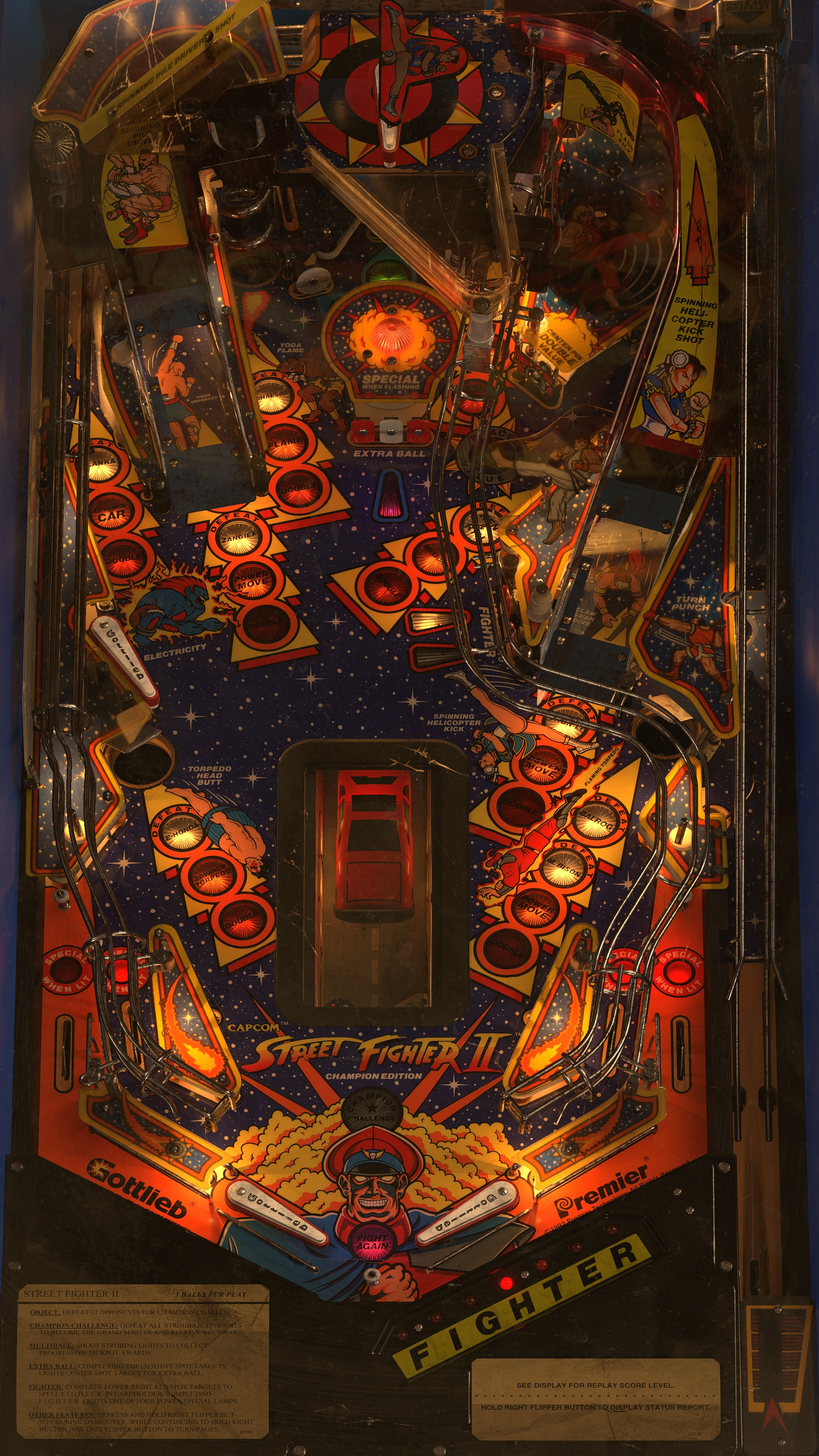
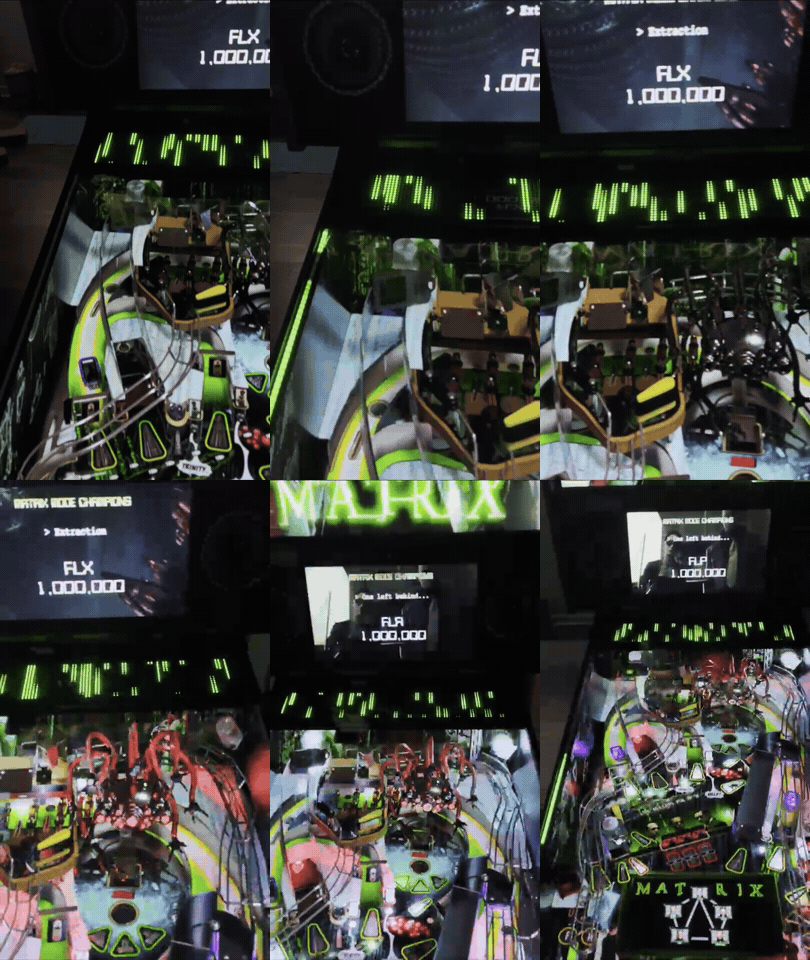
Ik had belooft om nog wat foto’s te plaatsen van alle veranderingen aan mijn kast dus bij deze een grote update.
De eerste belangrijke upgrade had ik eigenlijk al laten zien, maar nu aan de voorkant dus ook een 120mm fan erbij voor intake. Ruim voldoende airflow door de kast en heerlijk stil.
:strip_exif()/f/image/6uUpMPGnPQTqnVvMRTuyUK9B.jpg?f=fotoalbum_large)
:strip_exif()/f/image/hmjTMjse3eTMAu1rPaYiuovc.jpg?f=fotoalbum_large)
:strip_exif()/f/image/6wugkAJeMbKkHmDaoS8HwJRI.jpg?f=fotoalbum_large)
Na het monteren van de nieuwe(re, het is ook alweer een oudje) PC de bedrading netjes gaan leggen en alle PCB’s netjes op standoffs te monteren. Het ziet er erg netjes uit zo. Ook een ondersteuningsbeugel voor de videokaart gemaakt om deze wat vaster te monteren.
:strip_exif()/f/image/j4HemsAofunnBztRp5E0Nypi.jpg?f=fotoalbum_large)
:strip_exif()/f/image/4siRNihCmZvSrFLaq40ehM9v.jpg?f=fotoalbum_large)
:strip_exif()/f/image/bjOTnjf6i3WthU6qJv75BMEx.jpg?f=fotoalbum_large)
:strip_exif()/f/image/bFwMGNZv9dsdx299n4SUUIlC.jpg?f=fotoalbum_large)
Ik monteer alle bedrading ook met adereindhulzen en heb ik de voedingsdraden naar de PCB’s ook vervangen voor dedicated draden. Ook heb ik een aardingsdraad door de kast heb gelegd die de poten, lockbar, coindoor en plunger verbinden met de aarding van de voedingen en PC. Je ziet hem op meerdere foto’s wel voorbij komen.
De I-PAC encoder zat voorheen boven de voeding van de PC gemonteerd met lange draden naar voren voor de knoppen, niet echt een handige locatie om aan te werken tenzij je het hoofdscherm eruit haalt. Maar gelukkig bleek de USB kabel behoorlijk lang dus ik heb de I-PAC naar de voorkant van de kast verplaatst zodat deze heel makkelijk via de coindoor te bereiken is.
:strip_exif()/f/image/MlyCdtjtj5RwFzKtLXNtPOtW.jpg?f=fotoalbum_large)
Ik heb ook alle bedrading naar de knoppen vervangen, ik ben toch wel een sucker voor nette bedrading die netjes opgebonden is.
Om wat onderscheid te maken in de bedrading hebben ik voor de knoppen voor groen voor de signaalkant en blauw voor aarding gekozen. Ik heb ook direct extra bedrading gelegd voor magnasave knoppen. En ik heb extra knoppen in de coindeur geplaatst. Alle draden met een geprinte label zodat je weet waar die van is en ik heb de draden wat langer gehouden zodat ik in de toekomst bij het vervangen van de controller nog wat bewegingsvrijheid heb.
Voor de spanning heb ik de molex kleuren rood voor 5v en geel voor 12v aanhouden, ik heb hiervoor een molex connector verlengd voor 5v en 12v voorin. Tevens de volumeknop herplaatst.
De coindoor was weer een project op zichzelf, er zaten 2 microswitches op de onders chute met een lange vinger eraan, deze heb ik kunnen gebruiken om de coin return knoppen werkend te maken als add credit knoppen, ik heb voor guldens gekozen als leuke knipoog. Ook een servicepaneel gemaakt en een schakelaar voor de coindoor zelf gemonteerd om eigenlijk gewoon alle functionaliteit te hebben.
:strip_exif()/f/image/FwYYgvXkDeDM014wxoj5uJER.jpg?f=fotoalbum_large)
:strip_exif()/f/image/24uL9Mn2FJMYN3wwPWQUp2We.jpg?f=fotoalbum_large)
:strip_exif()/f/image/ag2Y5tK5a5GqR8GOxAF3rVwf.jpg?f=fotoalbum_large)
:strip_exif()/f/image/r9buVgUfUrTWVKcGrsPAlQke.jpg?f=fotoalbum_large)
:strip_exif()/f/image/OLkFn20HLQAcbl9rJ4c2kFwk.jpg?f=fotoalbum_large)
Ik wou verder ook nog met de knoppen bezig, ik wilde echte leafspring switches voor de flipperknoppen en het lijkt me leuk om alle front knoppen verlicht te hebben. Daar was ook het een en ander van binnengekomen dus daar kon ik gisteravond en vanochtend mooi mee aan de gang.
Voor het gatenwerk heb ik een forstnerboren set gekocht voor €25 van Amazon, mooi gelabeld en ingeschuimd in een koffer, en nog hele fatsoenlijk kwaliteit ook voor dat geld. Hier moeten ze zowat wel verlies op maken. Sowieso zijn sommige dingen echt voor ontzettend leuke prijzen te krijgen, de standoffs, generieke service knoppen, verlichte arcade knoppen. Alleen de leafsprings moesten echt dedicated van pinballshop.nl komen, en ook direct wat betere led’s meebesteld voor in de knoppen.
:strip_exif()/f/image/WWj5UKyz6hHEtQQur9lMdWmg.jpg?f=fotoalbum_large)
:strip_exif()/f/image/34JQCCw44TUaonU65NeIJ1vv.jpg?f=fotoalbum_large)
:strip_exif()/f/image/fAjS36tp42rj5oAyLr5M9KGE.jpg?f=fotoalbum_large)
:strip_exif()/f/image/cv9RgZLhMJio5YYHQ6P2blAg.jpg?f=fotoalbum_large)
:strip_exif()/f/image/NntxregNPiGuwnSxzUPnHD6y.jpg?f=fotoalbum_large)
:strip_exif()/f/image/1ht16nqZQcA6zv9fgPbqz5p9.jpg?f=fotoalbum_large)
:strip_exif()/f/image/6ZoVdB9PXSD1tyOrdev4AKy2.jpg?f=fotoalbum_large)
:strip_exif()/f/image/dUG3wFFioWZJFXXgMldd1LVi.jpg?f=fotoalbum_large)
De power button voor de PC naar de onderkant verplaatst en verzonken. Een grotere groene startknop, de rode verlichte exit knop is nog onderweg maar die kan zo plug en play vervangen worden. De gaten van de witte knoppen verzonken zodat de spacer ertussenuit kon, dan liggen de knoppen straks allemaal even hoog. Alle knoppen hebben eigen bedrading vanaf het 5v punt zodat ik daar evt. Zo een led controller kan plaatsen.
De rode rechthoekige knop ben ik eigenlijk wat te snel mee geweest met verplaatsen, doordat ik nu de fysieke coin return knoppen kan gebruiken heb ik geen aparte add credit knop nodig, ik heb er dus een fire button van gemaakt, maar misschien dat ik die nog weer voor een wat grotere ronde wil vervangen want hij is nu wat klein voor hoe ver weg die zit en dat past ook beter bij de functie denk ik.
En als kers op de taart natuurlijk de leafspring flipperknoppen en magna save knoppen.
Met die nieuwe verlichte knoppen moet ik nog weer een paar nieuwe button inserts maken voor in ieder geval de start en exit. Als ik die er ook in heb zitten dan zal ik daar nog even mooie plaatjes van schieten.
p.s. Die dubbelzijdige tape die @
Slingertj3 gebruikt had is echt ziek goed, de oude voeding die voor storing zorgde is er zo uitgekomen:
:strip_exif()/f/image/M9FeHsAI6zM9SZta6jpXdygf.jpg?f=fotoalbum_large)
Intern heb ik een paar bolle condensatoren gevonden, wat waarschijnlijk de storing verklaard.
[
Voor 202% gewijzigd door
iwaarden op 27-09-2026 22:12
]
/u/348697/crop62038d5eb0ff9_cropped.png?f=community)

/u/33916/crop5d4d5b00c4c16_cropped.png?f=community)
 Verder ben ik erg gelukkig met hoe VPX kan werken.
:gifsicle():strip_exif()/f/image/hJnFQjZprbVaIe71TqKYJtxA.gif?f=user_large)
:strip_exif()/f/image/Ohdm9XobdKwOnHKgNGpcn9SY.png?f=user_large)
:strip_exif()/u/429000/crop66ae0499be487.webp?f=community)

:strip_exif()/f/image/hdsQIoh5v5P2x4tXg75RwQ9T.png?f=user_large)
:strip_icc():strip_exif()/u/290600/crop679f64eb7a253_cropped.jpg?f=community)

:strip_exif()/f/image/sHWzKNJ1giM5KKfwRNWwok1S.png?f=user_large)
:strip_exif()/f/image/b0QLJ0KKJeP3aONrkY3Do1xS.png?f=user_large)
 Heb je ook even een dm gestuurd.
:strip_exif()/f/image/Vikr73UNh0WxLPlTSOpDpKsz.png?f=user_large)
:strip_exif()/f/image/xpqRHbY3745hkSS3YYhZOI0m.png?f=user_large)
:no_upscale():strip_icc():strip_exif()/f/image/6uUpMPGnPQTqnVvMRTuyUK9B.jpg?f=user_large)
:no_upscale():strip_icc():strip_exif()/f/image/hmjTMjse3eTMAu1rPaYiuovc.jpg?f=user_large)

:strip_exif()/f/image/hPWdrpOJT5zkaPzEtAAiXMF7.png?f=user_large)
:strip_exif()/f/image/s10NbwDEDDAZaH4QSAiOM0na.png?f=user_large)
:strip_icc():strip_exif()/u/23091/cyberspin.jpg?f=community)


:no_upscale():strip_icc():strip_exif()/f/image/6wugkAJeMbKkHmDaoS8HwJRI.jpg?f=user_large)
:no_upscale():strip_icc():strip_exif()/f/image/j4HemsAofunnBztRp5E0Nypi.jpg?f=user_large)
:no_upscale():strip_icc():strip_exif()/f/image/4siRNihCmZvSrFLaq40ehM9v.jpg?f=user_large)
:no_upscale():strip_icc():strip_exif()/f/image/bjOTnjf6i3WthU6qJv75BMEx.jpg?f=user_large)
:no_upscale():strip_icc():strip_exif()/f/image/bFwMGNZv9dsdx299n4SUUIlC.jpg?f=user_large)
:no_upscale():strip_icc():strip_exif()/f/image/MlyCdtjtj5RwFzKtLXNtPOtW.jpg?f=user_large)
:no_upscale():strip_icc():strip_exif()/f/image/FwYYgvXkDeDM014wxoj5uJER.jpg?f=user_large)
:no_upscale():strip_icc():strip_exif()/f/image/24uL9Mn2FJMYN3wwPWQUp2We.jpg?f=user_large)
:no_upscale():strip_icc():strip_exif()/f/image/ag2Y5tK5a5GqR8GOxAF3rVwf.jpg?f=user_large)
:no_upscale():strip_icc():strip_exif()/f/image/r9buVgUfUrTWVKcGrsPAlQke.jpg?f=user_large)
:no_upscale():strip_icc():strip_exif()/f/image/OLkFn20HLQAcbl9rJ4c2kFwk.jpg?f=user_large)
:no_upscale():strip_icc():strip_exif()/f/image/WWj5UKyz6hHEtQQur9lMdWmg.jpg?f=user_large)
:no_upscale():strip_icc():strip_exif()/f/image/34JQCCw44TUaonU65NeIJ1vv.jpg?f=user_large)
:no_upscale():strip_icc():strip_exif()/f/image/fAjS36tp42rj5oAyLr5M9KGE.jpg?f=user_large)
:no_upscale():strip_icc():strip_exif()/f/image/cv9RgZLhMJio5YYHQ6P2blAg.jpg?f=user_large)
:no_upscale():strip_icc():strip_exif()/f/image/NntxregNPiGuwnSxzUPnHD6y.jpg?f=user_large)
:no_upscale():strip_icc():strip_exif()/f/image/1ht16nqZQcA6zv9fgPbqz5p9.jpg?f=user_large)
:no_upscale():strip_icc():strip_exif()/f/image/6ZoVdB9PXSD1tyOrdev4AKy2.jpg?f=user_large)
:no_upscale():strip_icc():strip_exif()/f/image/dUG3wFFioWZJFXXgMldd1LVi.jpg?f=user_large)
:no_upscale():strip_icc():strip_exif()/f/image/M9FeHsAI6zM9SZta6jpXdygf.jpg?f=user_large)
:strip_exif()/f/image/lSfzzMrunARCS2NU8WBjzc9V.png?f=user_large)

:no_upscale():strip_icc():strip_exif()/f/image/725W3SZJ97AGMzAEXP6j93aJ.jpg?f=user_large)
:no_upscale():strip_icc():strip_exif()/f/image/NI3Mnwq26LHWWt9DDqs4SEcW.jpg?f=user_large)
:no_upscale():strip_icc():strip_exif()/f/image/Q7r11OSuVD6Z3Qp7qUCRXHN6.jpg?f=user_large)
:no_upscale():strip_icc():strip_exif()/f/image/9eAAqPQphR6tiGMyS3z5yvSt.jpg?f=user_large)
:no_upscale():strip_icc():strip_exif()/f/image/1oSSYX2JblFFGkUcbMNTJ8re.jpg?f=user_large)
:no_upscale():strip_icc():strip_exif()/f/image/HT4aO85faSkahweoJPIGckUG.jpg?f=user_large)
:no_upscale():strip_icc():strip_exif()/f/image/dudwtXpWdrFH3kOZ8uDdNoMP.jpg?f=user_large)
:no_upscale():strip_icc():strip_exif()/f/image/ujN1bZFFAJQvNAdI8P4nBWaA.jpg?f=user_large)
:no_upscale():strip_icc():strip_exif()/f/image/JiRsY6SmwKgfrb4qeKnscTBw.jpg?f=user_large)
:no_upscale():strip_icc():strip_exif()/f/image/HyIY8ifefmxnYerUEf1q3H9K.jpg?f=user_large)
:no_upscale():strip_icc():strip_exif()/f/image/ZQaJbcD3hEgaHqOuiIlJQAeJ.jpg?f=user_large)
:no_upscale():strip_icc():strip_exif()/f/image/AfsO5i4fA7YAK940VKyAPP95.jpg?f=user_large)
:no_upscale():strip_icc():strip_exif()/f/image/YYqgaoyCLbXlv5juha50L3nL.jpg?f=user_large)