Toon posts:

Vraagje over de Boot.ini

Pagina: 1
Acties:
  • 87 views sinds 30-01-2008

Verwijderd

Topicstarter
Als ik opstart krijg ik een schermpje, Windows XP of Win98SE, maar nou staat het zo ingesteld dat Windows 98 automatisch staat geselecteerd. Hoe kan ik nou instellen dat WinXP automatisch staat geselecteerd, en niet win98?
Zo ziet mijn boot.ini er nu uit:
code:
1
2
3
4
5
6
7
[Boot Loader]
timeout=30
Default=C:\

[Operating Systems]
multi(0)disk(0)rdisk(0)partition(1)\WINDOWS="Microsoft Windows XP Professional" /fastdetect
C:\="Microsoft Windows 98"

  • Arno
  • Registratie: Juli 2000
  • Laatst online: 22-09 11:51

Arno

PF5A

code:
1
2
3
4
5
6
[Boot Loader]
timeout=30
Default=multi(0)disk(0)rdisk(0)partition(1)\WINDOWS
[Operating Systems]
multi(0)disk(0)rdisk(0)partition(1)\WINDOWS="Microsoft Windows XP Professional" /fastdetect
C:\="Microsoft Windows 98"

"Supercars are made to mess around with G-forces, hypercars are made to mess around with G-strings"
Jeremy Clarkson


Verwijderd

Topicstarter
Hee bedankt, doet et.

Ik had het eerst ook al zo gedaan, maar niet bij 'Default=' dat 'Multi Disk Partition' erbij gezet en toen deed win98 het niet :/

Maarja, zoveel verstand heb ik nou ook weer niet :)

  • Chilly_Willy
  • Registratie: April 2000
  • Laatst online: 22-09 14:12
In XP properties "my computer" -> "advanced" tabblad en dan "startup and recovery"

Hier kan je default OS instellen.

Coïtus ergo sum


  • alt-92
  • Registratie: Maart 2000
  • Niet online

alt-92

ye olde farte

Als dat nog steeds dezelfde functie is als NT/2000, dan werkt dat alleen als de parameters in je boot.ini kloppen.
Is dat niet zo, dan werkt het nog niet ;)

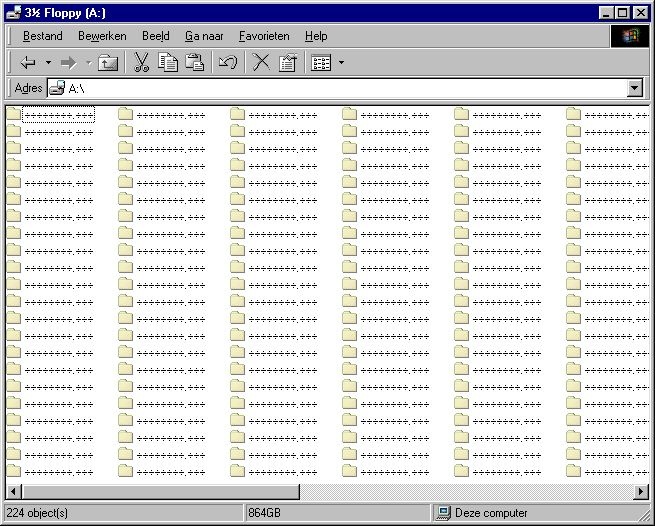
ik heb een 864 GB floppydrive! - certified prutser - the social skills of a thermonuclear device


  • Nietzman
  • Registratie: April 2000
  • Laatst online: 21-09 22:07

Nietzman

Woei!

[topic=217665/1]
2 topics over hetzelfde onderwerp binnen een half uur

  • DR
  • Registratie: December 2000
  • Niet online

DR

Topic is wat oudjes ;)
Pagina: 1

Dit topic is gesloten.