Hoi,
Ik ben hier al een paar dagen bezig met het installeren van RIS. Ik heb een aparte server geconfigureerd waar het hele ris gebeuren op moet gaan draaien.
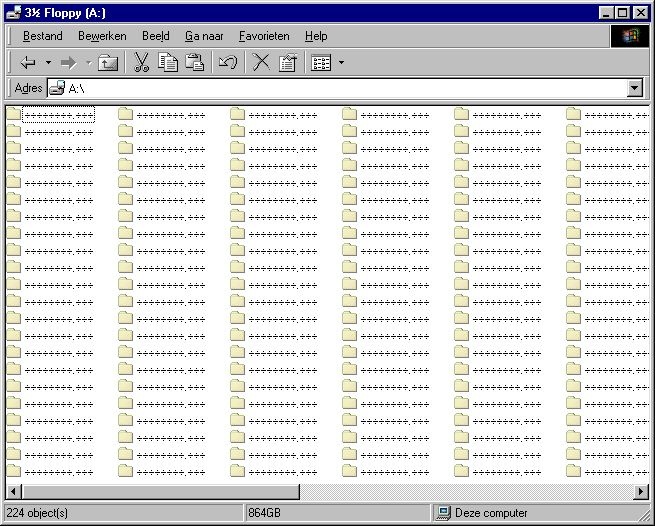
Als ik een image met "RIPREP" heb gemaakt en ik opnieuw op wil starten om de image terug te zetten geeft hij steeds de volgende melding:
Ik heb al op internet gezocht en kwam op de volgende site van microsoft:
Alvast bedankt,
Ik ben hier al een paar dagen bezig met het installeren van RIS. Ik heb een aparte server geconfigureerd waar het hele ris gebeuren op moet gaan draaien.
Als ik een image met "RIPREP" heb gemaakt en ik opnieuw op wil starten om de image terug te zetten geeft hij steeds de volgende melding:
Wij maken hier gebruik van Dell GX60 client pc's deze hebben allemaal een Intel Pro NICThe operating system image you selected does not contain the neccesery drivers for your network adapter. Try selecting a different operating system image
Ik heb al op internet gezocht en kwam op de volgende site van microsoft:
Heb al veel op internet/got gezocht maar kan geen oplossing vinden. Wie kent dit probleem en kan mij verder helpen??[Unattended]
DriverSigningPolicy = Ignore
NOTE: The default name of the .sif file is RemoteInstall\Setup\Language\Images\Dir_name\I386\Templates\Ristndrd.sif
NOTE: If the OEM driver is an update of an included Windows 2000 driver (for example, has the same name), the file must be signed or Setup uses the included driver instead. 1. On the RIS server, copy the OEM-supplied .inf and .sys file for the network adapter to the RemoteInstall\Setup\Language\Images\Dir_name\i386 folder. This allows Setup to use the driver during the Text-mode portion of the installation.
2. At the same level as the I386 folder on the RIS image, create a $oem$ folder with the following structure:
\$oem$\$1\Drivers\Nic
3. Copy the OEM-supplied driver files to this folder. Note the folder in which the .inf file looks for its drivers. Some manufacturers place the .inf file in a folder and copy the driver files from a subfolder. If this is the case, create the same folder structure below the one you created in this step.
NOTE: If the RIS image was created with RIPREP, you must perform these steps on both the RIPREP image and the RISETUP image that corresponds to the RIPREP image.
4. Make the following changes to the .sif file to be used for this image installation:
[Unattended]
OemPreinstall = yes
OemPnpDriversPath = Drivers\Nic
5. Stop and restart the BINL service on the RIS server. Type the following lines at the command prompt, pressing ENTER after each command:
net stop binlsvc
net start binlsvc
NOTE: Stopping and restarting the BINL service is necessary because BINL needs to read all the new network interface card-related .inf files and create .pnf files in the image. Because this is a time consuming task, it is only done once, which is when the BINL service starts.
Alvast bedankt,
[ Voor 4% gewijzigd door Verwijderd op 05-10-2005 09:19 ]
:strip_exif()/u/5473/alas.gif?f=community)
:strip_icc():strip_exif()/u/4167/bacall8.jpg?f=community)


/u/43807/ZwartGat.png?f=community)
 Dit topic is gesloten.